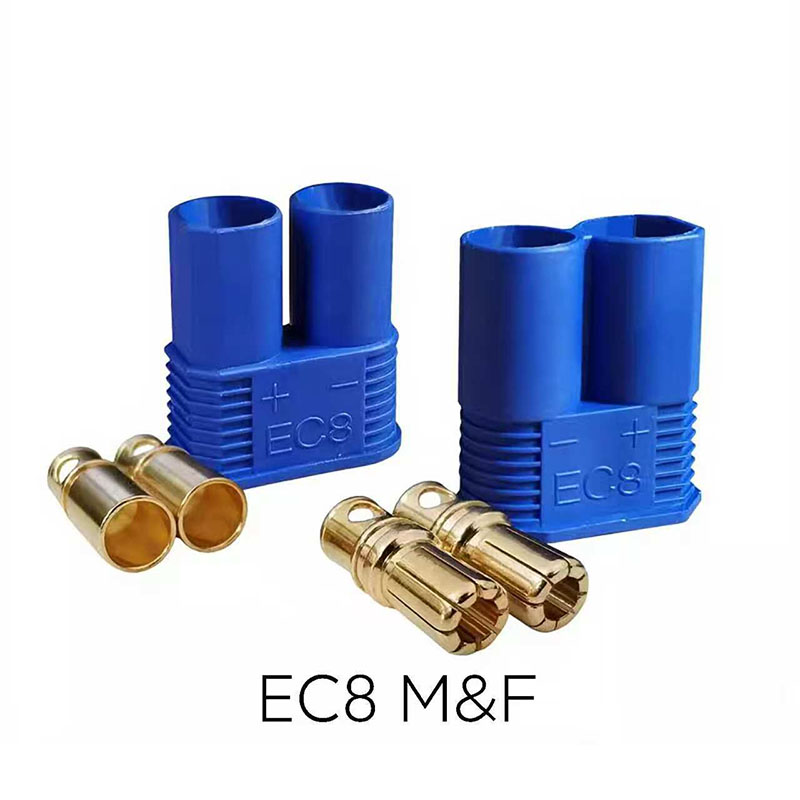
When it comes to maintaining equipment parts, many people immediately think of "spending ages disassembling it, not understanding it, and needing a professional technician." Is Panel Connector maintenance the same? Actually, you're overthinking it. Maintenance isn't complicated at all; it's simply a matter of looking, cleaning, and checking.
The first step in routine Panel Connector maintenance is visual inspection, which is incredibly easy. Just like checking a loose electrical outlet at home, walk up to the device and glance at the connector's casing. Look for cracks or loose pieces. Gently shake the connector to see if it's loose or shifts easily. You don't even need tools; it only takes a few seconds. Even a complete novice can spot any obvious problems at a glance.
Over time, dust inevitably accumulates on the panel, and dust may also get inside the connector's ports. Will this affect its use? Of course, but cleaning it is super simple. Find a dry, soft cloth or regular lint-free paper and gently wipe the connector's shell and interface edges. If there's a lot of dust inside the interface, wrap some cotton in a toothpick, gently insert it, and rotate it to remove the dust. No water, no special cleaning agents, and no disassembly required; it cleans in minutes, easier than wiping a table.
During maintenance, check if the connector plugs in and out smoothly and if the contact is good. Like plugging in a phone charger, insert the matching plug and feel if it's sticking or requires a lot of force to insert. When unplugging, check the metal contacts on the plug and interface for blackening or oxidation. If the contacts are shiny and plugging/unplugging is smooth, the contact is fine. Even if there's some oxidation, gently rub the contacts with an eraser, and they'll be shiny and new again.
If you find the signal is lost or the current is unstable, suspecting a problem with the Panel Connector, troubleshooting is also easy. First, check if the plug is inserted tightly or crookedly – often this is caused by not being inserted properly. Reinsert it tightly until you hear a "click," and the problem is solved. If it still doesn't work, try a different plug. If it works, the original plug is faulty; if it doesn't, it's a problem with the connector. You don't need to disassemble the machine or test the circuit; you can locate minor problems by simply "replacing and re-inserting" the plug.